HTN+ QBCore All-In-One Update — All-New Inventory System
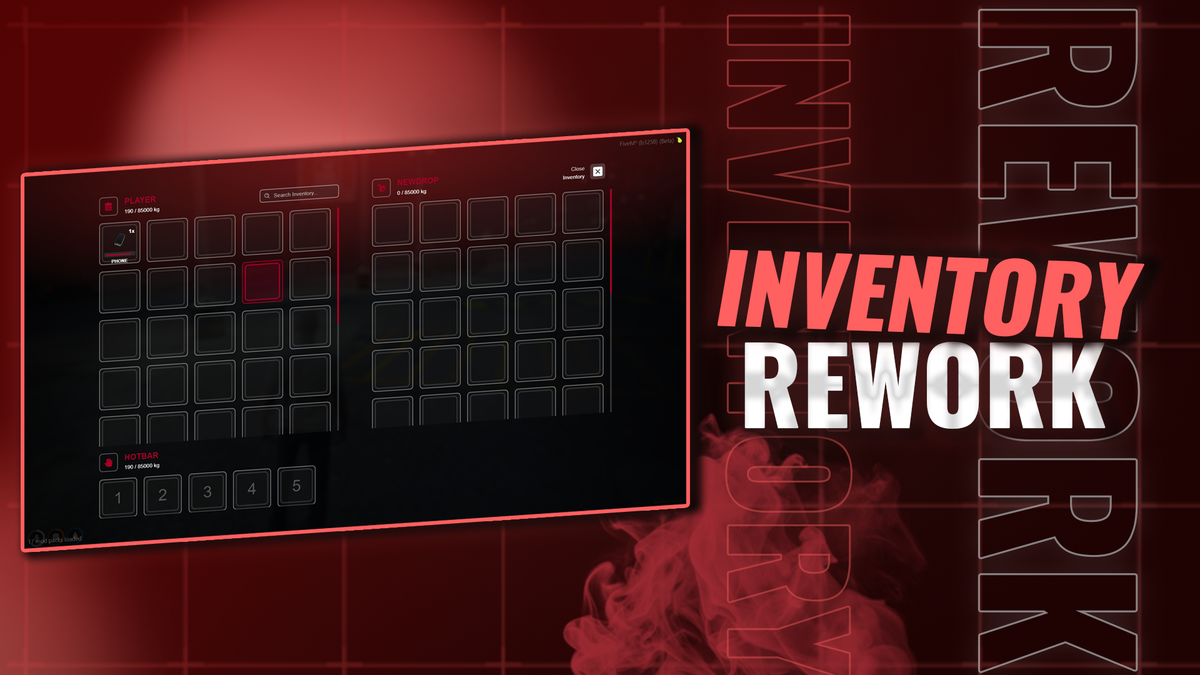
We’ve just released a major update for HTN+ QBCore All-In-One, bringing in a much-needed, completely rebuilt inventory system.
This update replaces the old inventory experience with a new script based on ox_inventory, giving servers a much more modern, reliable, and polished inventory setup.
The biggest change is the front end.
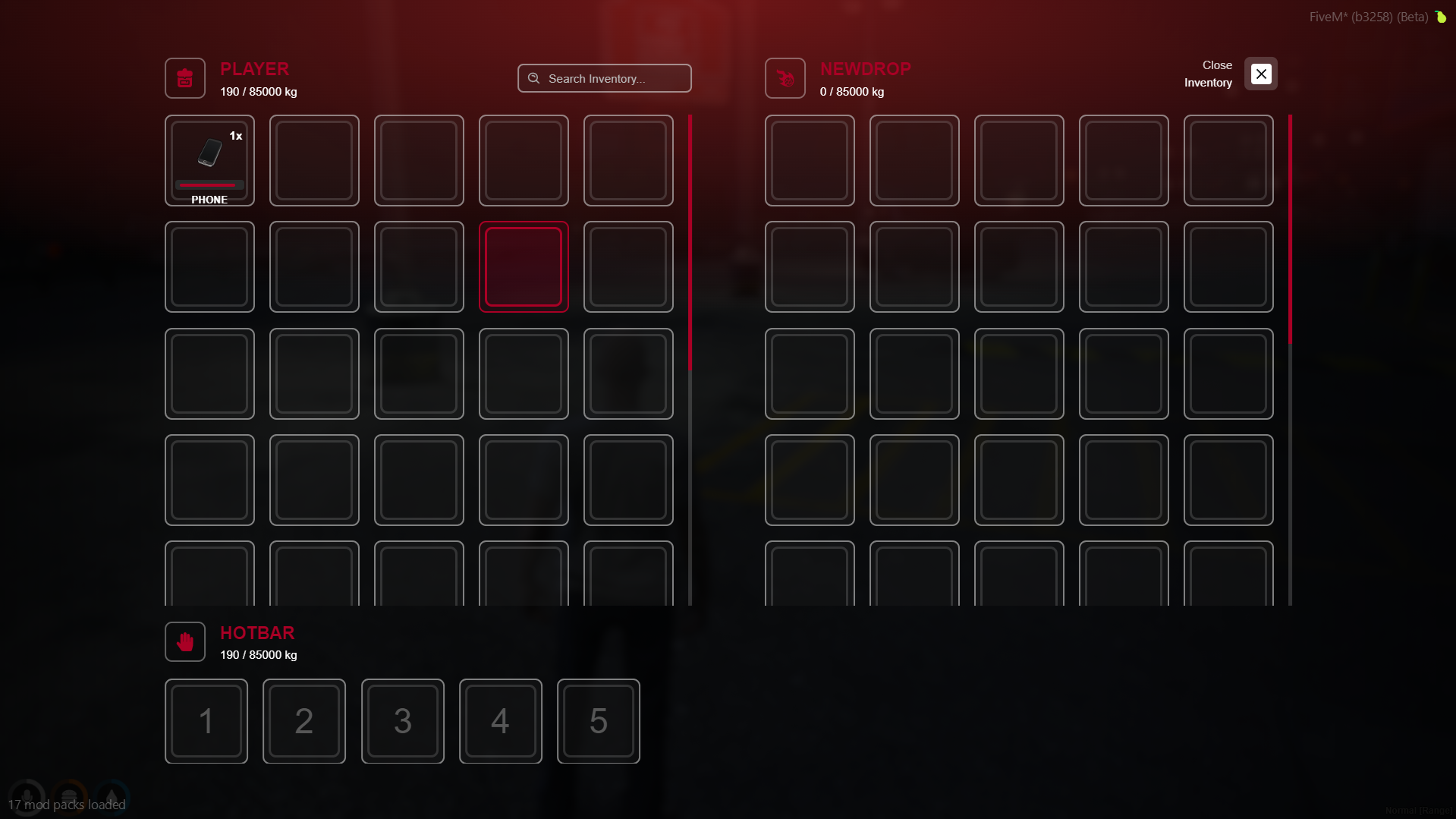
We have rewritten the entire inventory UI from the ground up to better fit the HTN+ experience. It is cleaner, smoother, easier to use, and feels much more up to date compared to the previous system.
What’s New
The new HTN+ QBCore inventory includes:
- A completely new inventory script
- Based on ox_inventory
- Entire front end rewritten by us
- Cleaner and more modern UI
- Better overall usability
- Improved item handling
- A more polished player experience
- A stronger base for future inventory features and updates
Why This Update Matters
The inventory is one of the most-used parts of any FiveM server.
Players interact with it constantly, whether they are managing items, weapons, storage, shops, jobs, or roleplay systems. Because of that, the old inventory system was no longer where we wanted it to be.
This update gives HTN+ QBCore a much stronger foundation moving forward.
It also brings the package more in line with the quality level we want HTN+ to represent: modern, clean, stable, and built to actually feel good for players.
Rebuilt Front End
While the new inventory is based on ox_inventory, we didn’t just drop it in and call it done.
We have rewritten the entire front end to better match the HTN+ QBCore package and improve the overall feel of the system.
That means the inventory now feels more custom, more refined, and much better suited to the rest of the framework.
Available Now
This update is now live for HTN+ QBCore All-In-One customers.
https://htnetwork.one/server-packs/fivem/htn-plus
If you already own HTN+ QBCore All-In-One, you can access the latest version through your product download area.
As always, we’ll continue improving HTN+ with more updates, fixes, and quality-of-life improvements over time.



