How to Make a Euro Truck Simulator 2 Server (2026 Guide)
Every way to set up a Euro Truck Simulator 2 multiplayer server, from a quick Convoy to a 24/7 dedicated server.
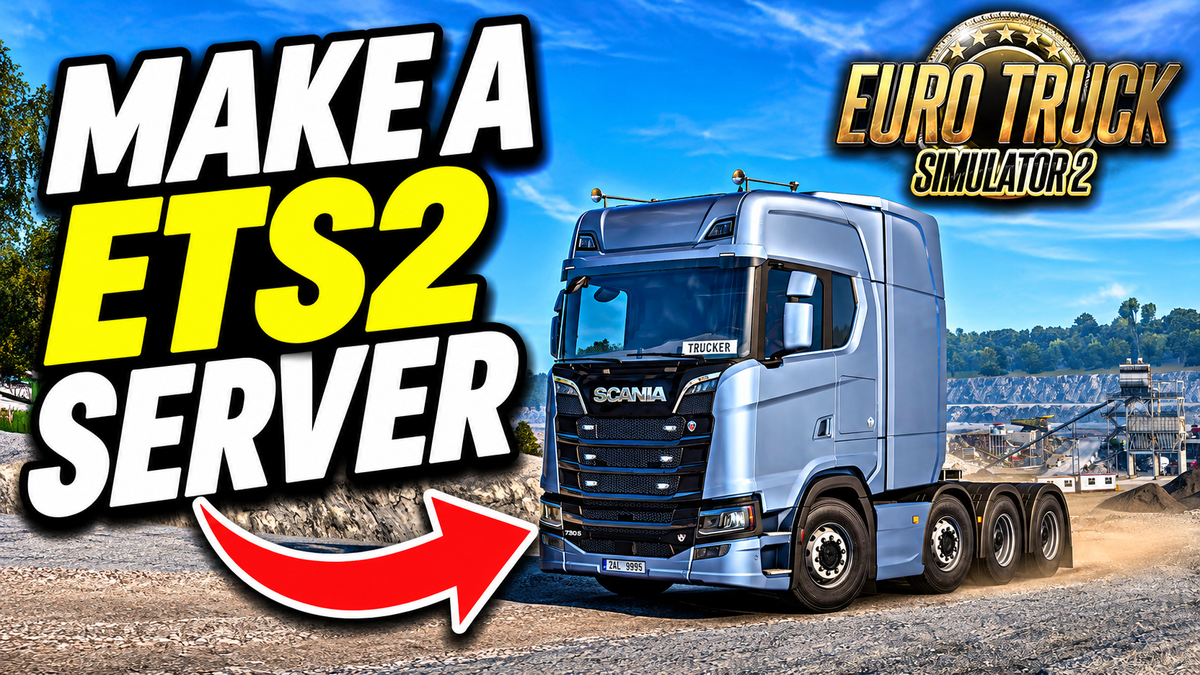
Quick answer: You can make a Euro Truck Simulator 2 (ETS2) server three ways. For a few friends, host a Convoy from the in-game Convoy menu. For a session that stays up without you, run the free ETS2 Dedicated Server (Steam app 1948160): export server_packages.sii and server_packages.dat from the game with export_server_packages, set up server_config.sii, and open ports 27015 and 27016. Or rent an ETS2 server so the setup, ports and uptime are handled for you.
Written by Tom Pearce, founder of HTNetwork, which hosts Euro Truck Simulator 2 and American Truck Simulator servers in London, Texas and Sydney.
Option 1: Host an in-game Convoy (easiest for friends)
Convoy is ETS2's built-in multiplayer mode. Hosting from the game is free and needs no files or setup.
- Open Euro Truck Simulator 2 and choose Convoy from the main menu.
- Click Host Convoy.
- Set a session name, description and an optional password.
- Choose the number of player slots and your traffic and damage rules.
- Confirm to launch the session. Friends find it in the in-game Convoy browser by name.
Limits: the session ends when you, the host, leave, and your PC and internet connection carry everyone. For a session that stays up without you, use Option 2 or 3.
Option 2: Run the free ETS2 Dedicated Server (self-hosted or VPS)
SCS Software's dedicated server keeps a Convoy session running without a host player. It is free and does not need a copy of the game to run, but you need the game on your own PC to export the server package files, and every player needs to own ETS2.
Step 1: Install the dedicated server
- In Steam: switch your Library filter to show Tools, then install Euro Truck Simulator 2 Dedicated Server.
- With SteamCMD (for a VPS or a PC without Steam):
steamcmd +force_install_dir C:\ETS2server +login anonymous +app_update 1948160 validate +quitStep 2: Export your server packages
The server does not know your map, DLC or mods until you export them from the game.
- Enable the developer console: in
Documents/Euro Truck Simulator 2/config.cfg, setuset g_developer "1"anduset g_console "1". - Start ETS2, load your profile with the DLC and mods you want on the server, and open the console with the
~key. - Run
export_server_packages. - Copy the two files it creates,
server_packages.siiandserver_packages.dat, fromDocuments/Euro Truck Simulator 2/to the server's home folder.
Step 3: Configure server_config.sii
Launch the dedicated server once (bin/win_x64/eurotrucks2_server.exe on Windows) so it creates server_config.sii, then stop it and edit the main settings:
lobby_name: "My ETS2 Server"
description: "Friendly convoy"
password: ""
max_players: 8
connection_dedicated_port: 27015
query_dedicated_port: 27016
show_server: true
friends_only: false
Add a Steam game server login token (server_logon_token) if you want the server to keep the same ID between restarts.
Step 4: Open the ports and start
Forward the physical ports 27015 and 27016 (TCP and UDP) to the server. The virtual ports (100 and 101) do not need forwarding. Start the server, and it appears in the in-game Convoy browser under your lobby name.
Option 3: Rent a Euro Truck Simulator 2 server
If you do not want to manage SteamCMD, config files and port forwarding, rent a server that is set up for you. Popular providers include Nitrado, GTXGaming, GPORTAL and HTNetwork.
How to make an ETS2 server with HTNetwork
- Order Euro Truck Simulator 2 server hosting and choose London, Texas or Sydney.
- Your dedicated server installs automatically.
- Upload your
server_packages.siiandserver_packages.datexported from your game (Step 2 above), then set your lobby name, password and player slots in the control panel. - Start the server and find it in the Convoy browser by name.
Watch: making a Euro Truck Simulator 2 server
HTNetwork servers come with DDoS protection and no player slot caps. Running American Truck Simulator too? The same steps work, using the ATS dedicated server.
Which way should you make your ETS2 server?
Convoy (in-game) | Dedicated server (self-hosted) | Rented server | |
|---|---|---|---|
Cost | Free | Free software; your PC or a VPS | Monthly fee |
Setup | A few clicks | SteamCMD, server packages, config, ports | Upload packages, set options in a panel |
Runs without the host playing | No | Only while your machine is on | Yes |
Port forwarding | Not needed | 27015 and 27016 | Not needed |
Best for | A quick drive with friends | Tech-savvy VTCs | VTCs and communities that want it easy |
Troubleshooting
Problem | Fix |
|---|---|
Server does not appear in the Convoy browser | Forward ports 27015 and 27016 (TCP and UDP); check |
Players see the server but cannot join | Regenerate |
Server stopped working after a game update | Update the dedicated server with SteamCMD, re-export the server packages and restart |
| Enable the console in |
Server exits on start | Check the first error in the log and that |
Euro Truck Simulator 2 server FAQ
Does Euro Truck Simulator 2 support multiplayer?
Yes. ETS2 has an official multiplayer mode called Convoy, which you can host from the game or run on a dedicated server.
Is the ETS2 dedicated server free?
Yes. The Euro Truck Simulator 2 Dedicated Server (Steam app 1948160) is free and can be downloaded anonymously with SteamCMD.
What ports does an ETS2 server use?
The physical ports 27015 and 27016, over TCP and UDP. The virtual ports 100 and 101 do not need forwarding.
Do players need the same DLC and mods as the server?
Yes. The server uses the content you exported with export_server_packages, so drivers need matching DLC and mods to join.
Does the dedicated server need a copy of the game?
No, but you need the game on a PC to export the server package files, and every player needs to own ETS2.
Summary
To make a Euro Truck Simulator 2 server, host a Convoy in-game for a quick drive, run the free dedicated server with exported server packages and ports 27015 and 27016 for a session that stays up, or rent one so there is nothing to set up.
Get Euro Truck Simulator 2 server hosting from HTNetwork in London, Texas or Sydney.
About the author: Tom Pearce founded HTNetwork, a UK game server hosting company running ETS2, ATS, BeamMP and Rust servers, and runs the HighwayTrooper YouTube channel.