
Is BeamNG.drive Free? Price, Free Mods and Multiplayer Explained (2026)
BeamNG.drive costs $24.99, but updates, mods and BeamMP multiplayer cost nothing extra. Here is the full breakdown.

BeamNG.drive costs $24.99, but updates, mods and BeamMP multiplayer cost nothing extra. Here is the full breakdown.

How to judge FiveM hosting, the main types compared, and our recommendation for most servers.

A full breakdown of what a FiveM server really costs in 2026: hosting, Cfx.re Element Club, scripts and the costs people forget.

What vMenu is, how it compares with QBCore and ESX, and a step-by-step guide to installing it and setting up permissions.

How BeamMP servers work, what they need, and the easiest ways to get one online for BeamNG.drive multiplayer.
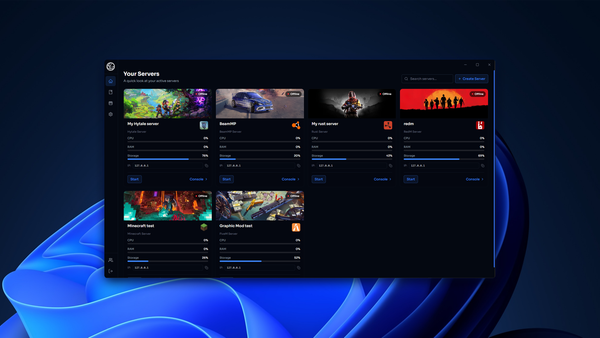
Pterodactyl is built for Linux hosting companies. If you want something simpler, Windows-friendly or paid with support, here are the best alternatives.

The best FiveM VPS has fast single-core performance, enough RAM for your scripts, NVMe storage, DDoS protection and a location near your players.

Starting a FiveM server from scratch can take weeks. A server pack gets you a working, configured server on day one. Here is how it works.
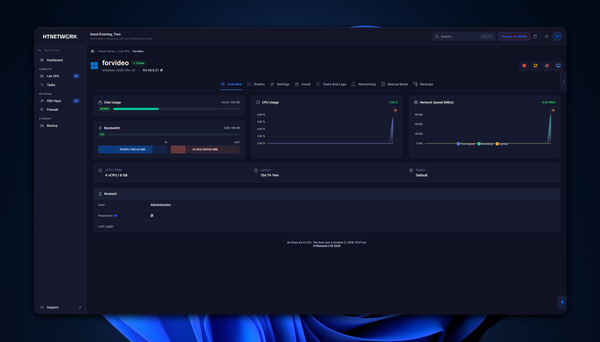
Everything you need to pick the right VPS for a game server: specs, sizing, location, DDoS protection and setup.

Want to run a server without port forwarding? You no longer need to dig through router settings just to let your friends join. HTNTunnel is built into HTNPanel. For most eligible games available through HTNPanel, you can enable the tunnel at no extra cost, receive a unique connect link and

Discover how Ovan AI can build complete FiveM servers and scripts, understand existing projects, configure databases, test resources and automatically fix errors.

We have released a brand-new Custom Target Menu for QBCore All-In-One+. This update introduces a fully custom front-end, written completely from scratch, giving the target menu a much cleaner, smoother, and more modern feel. The new target menu has been built to improve the overall player