HTN-Characters Guide


Hi, welcome to the HTN-Characters guide! Here we will guide you step by step through how the character creator works, and we’ll provide screenshots along the way.
1) First Time Loading In
- Character Creator
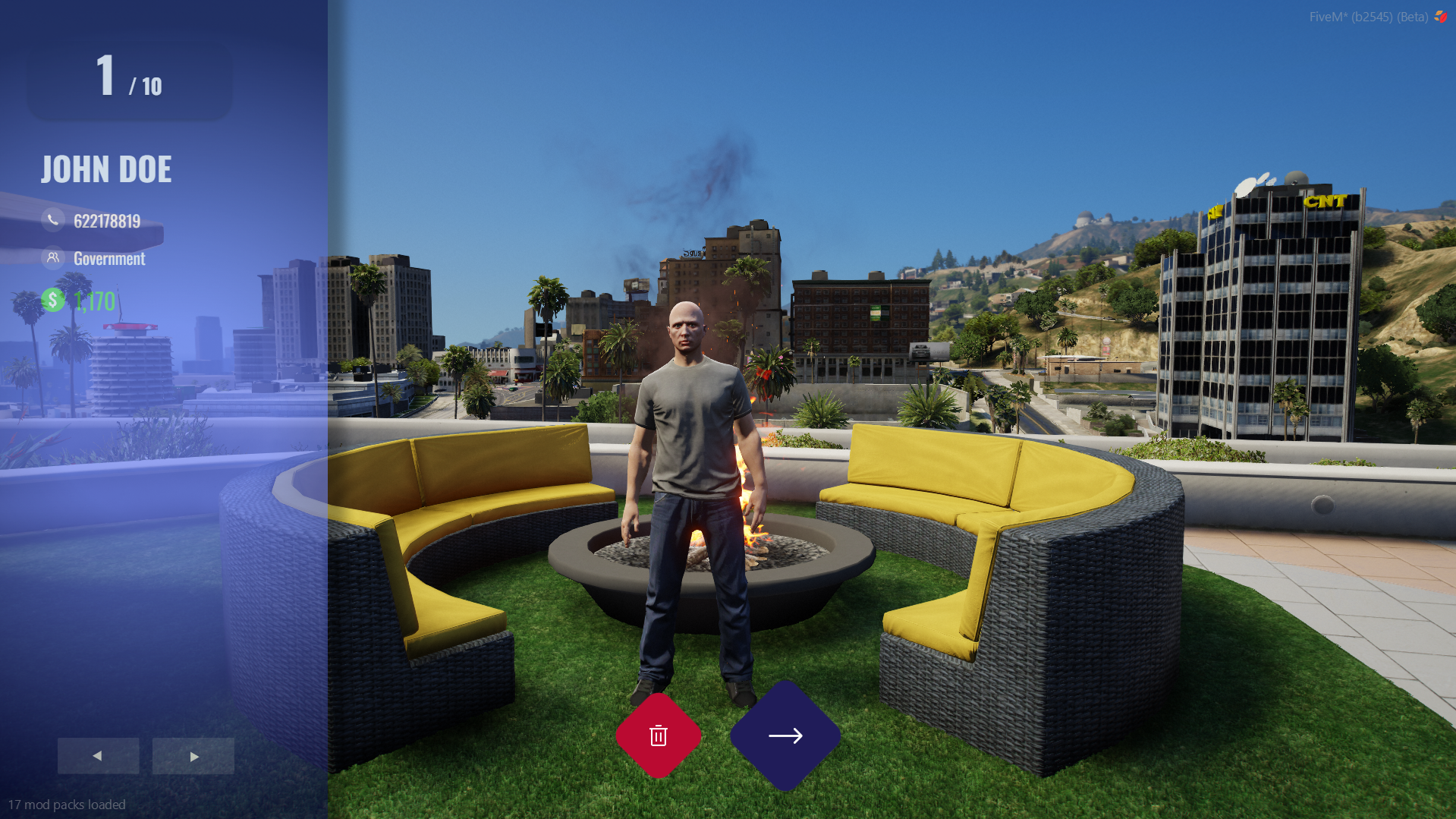
When you first load into the server, you'll be shown the character screen. Here you can view all of your characters—we allow up to 10 characters total.
2) Creating Your First Character
- Start Creation
On an empty slot, click the blue button at the bottom center of the screen. - Fill Out Registration
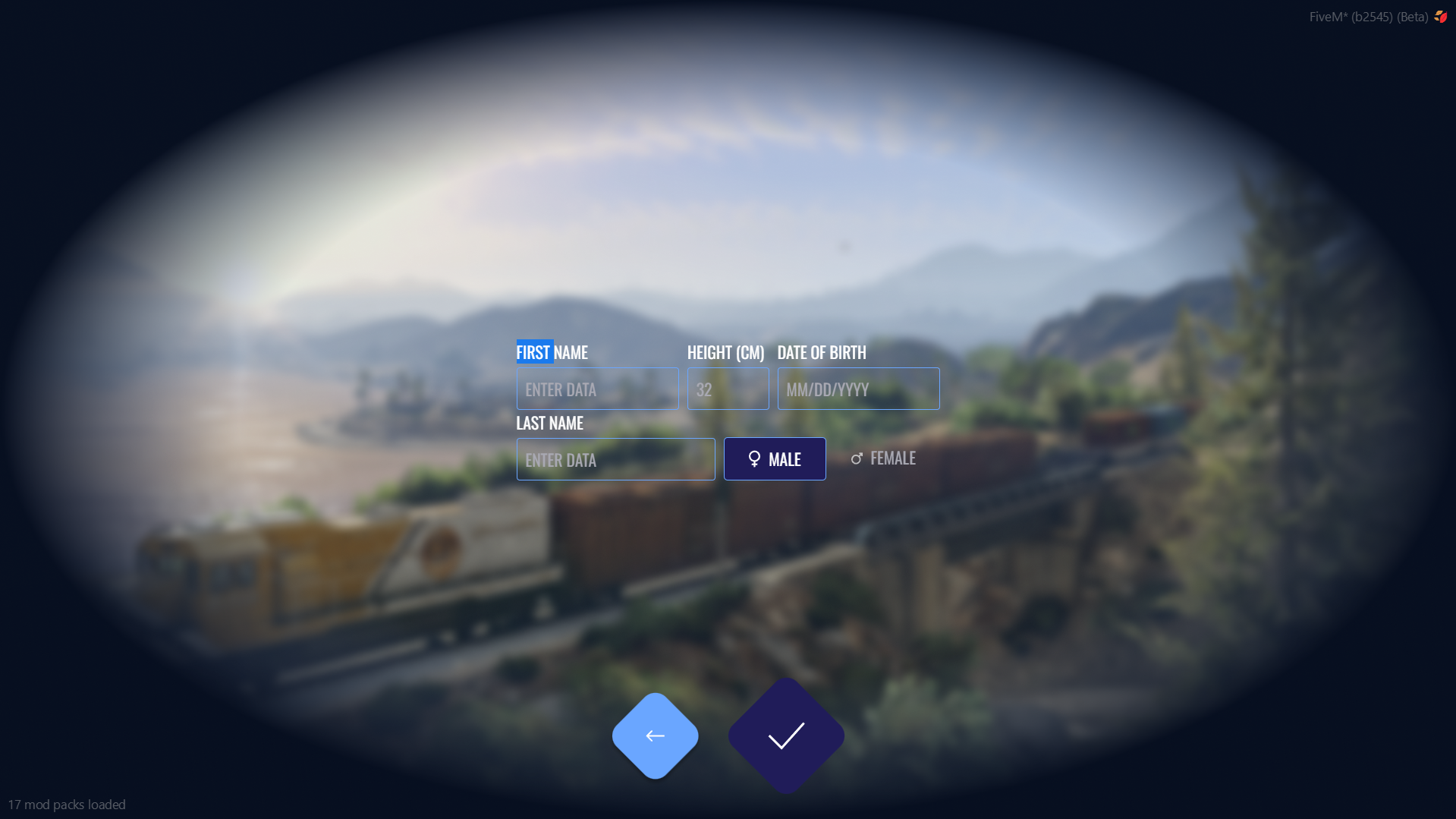
You'll be prompted with the registration form. Enter your character's first name, choose their height, date of birth, last name, and gender. - Confirm Creation
After filling out the details, click the tick button to create your character.
3) Selecting or Deleting a Character
- Navigate Characters
You'll return to the main menu. Use the arrows in the bottom left to navigate between your characters.
- Select a Character
Press the blue button at the bottom center to select and load into a character.
- Delete a Character
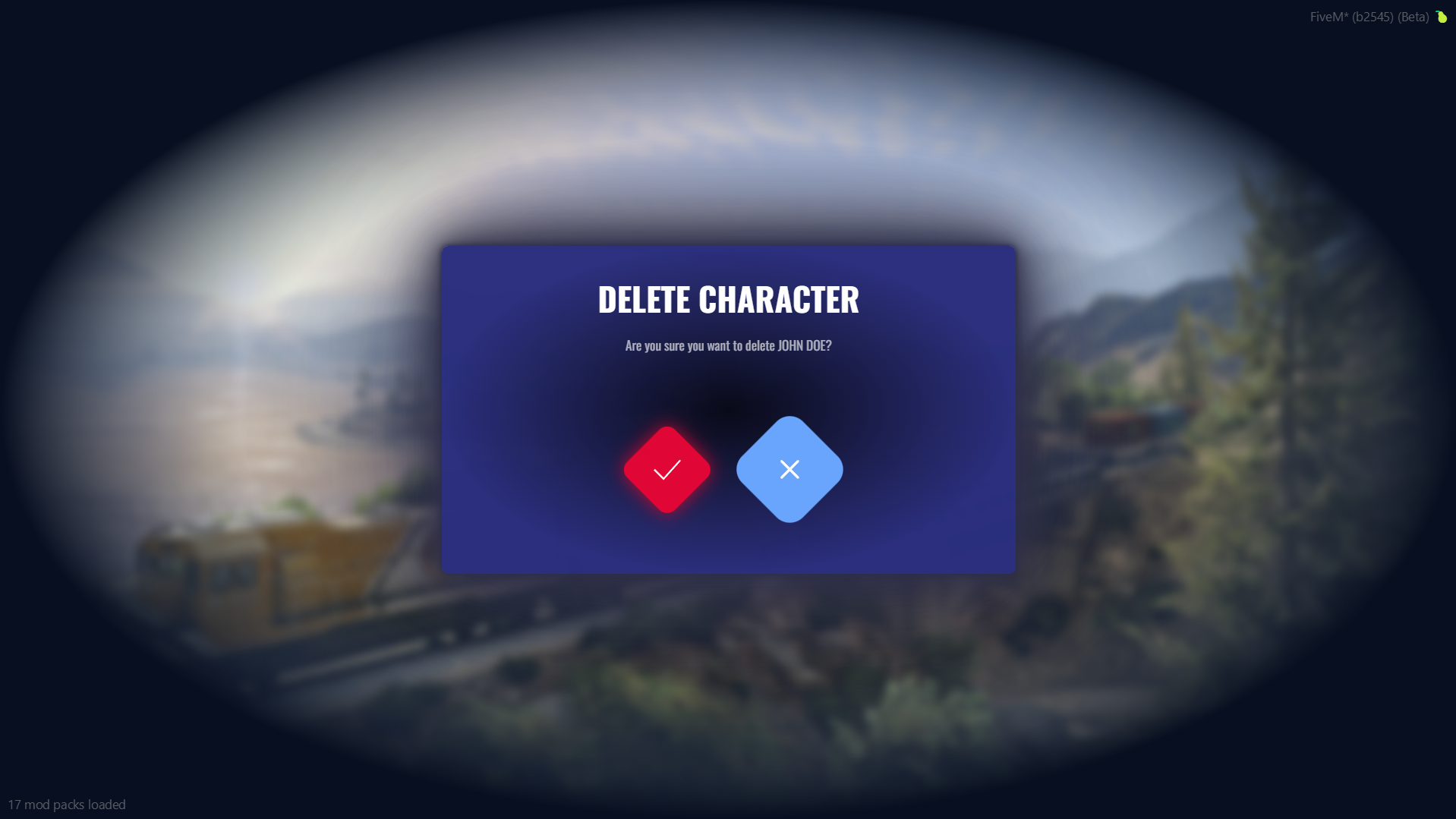
If you wish to delete a character, select the option from the menu (available on created slots).