HTN-Banking Guide


Hi, welcome to the HTN-Banking guide! Here we will guide you step by step through how the banking system works, and we’ll provide screenshots along the way.
1) How to Open the Bank
- Open the Bank
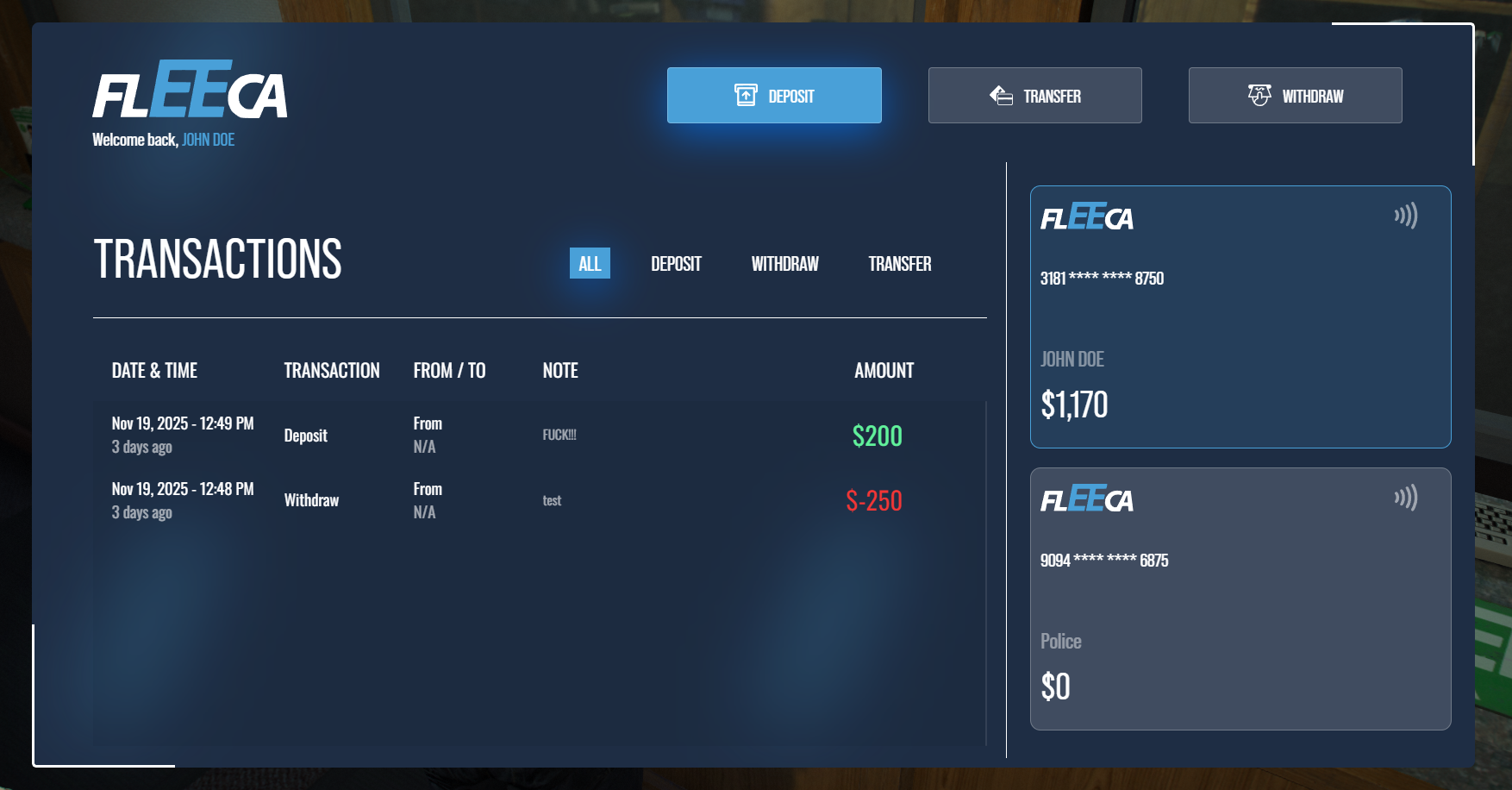
Use your Left Alt key in a Fleeca bank, and click "Open Bank". This will open our very own custom banking UI.
2) What Are the Options in the Banking UI?
- Deposit
Deposit money into your bank account. - Transfer
Transfer money to friends. - Withdraw
Withdraw funds from your bank account.
3) How Do I Transfer Money to Another Player?
- Get Their Account Number
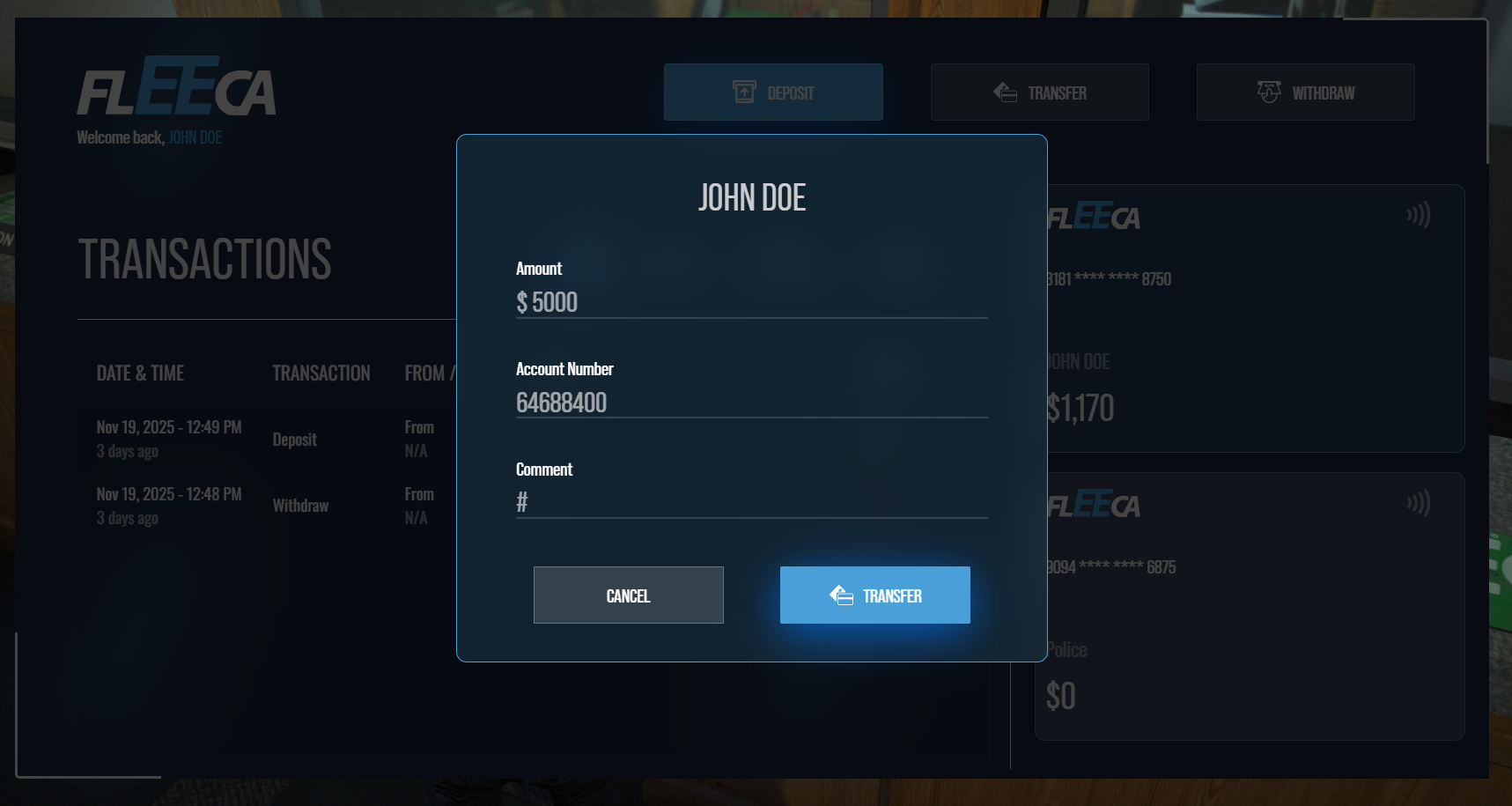
Tell the person you want to transfer money to to click the card in the banking UI. This will copy their account number to their clipboard. They can share it with you via a phone message or by simply saying it. - Transfer the Money
Go to a bank, open the banking UI, click on Transfer, enter the amount you wish to transfer followed by their account number, and add something for the comment (this can be anything).
4) Business Accounts
Access and Usage
If your job rank is 6 or higher, you’ll have access to your business account. You can deposit, withdraw, or transfer funds to other businesses exactly like a personal account.

5) Cash HUD UI
- Show Your Balance
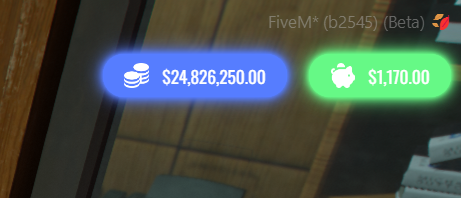
Type/balancein chat to display the Cash HUD. It shows your current cash on hand and your bank balance.