New HTN+ Script Release - Custom Clothing Menu
A brand new
QBCore All-In-One+ script release is now live.
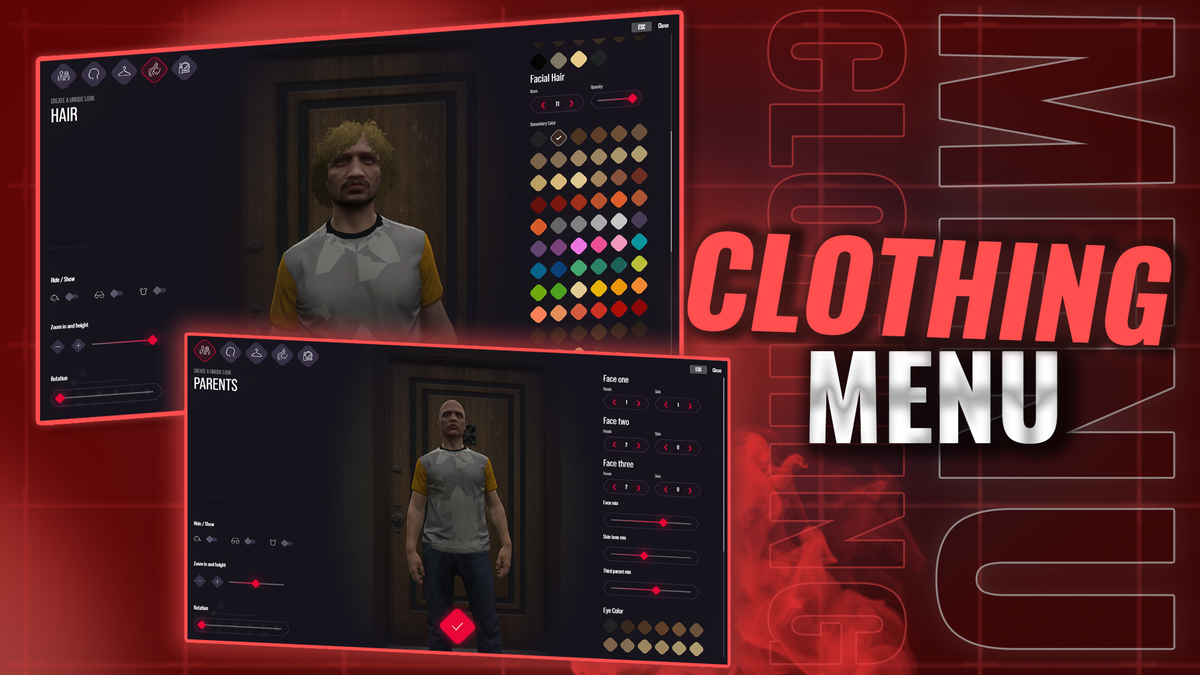
This update introduces our all-new Custom Clothing Menu, built completely from the ground up for QBCore All-In-One.
This is not just another edited clothing menu or a simple UI reskin. We have built a fully custom clothing system with a modern interface, a custom backend, and a much deeper level of character customisation than standard clothing menus usually offer.
What’s New
Custom Clothing Menu is now available for QBCore All-In-One+ members.
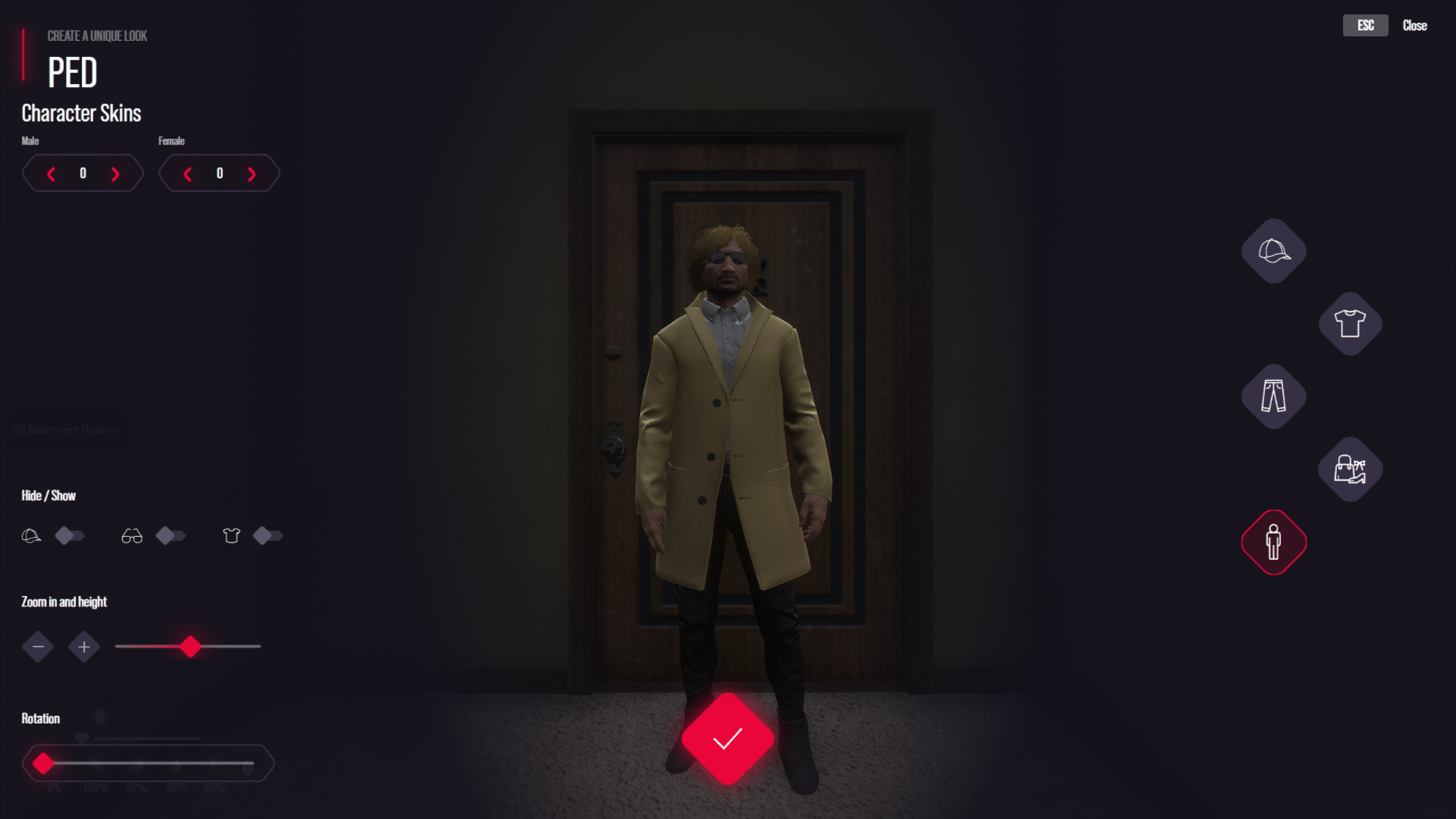
The new menu has been designed to make character customisation feel smoother, cleaner, and more detailed. Whether you are changing clothing, hair, face features, or building a full character from scratch, the whole experience now feels much more modern and controlled.
Built From The Ground Up
This clothing menu has been built properly from the ground up.
That means we are not relying on a basic edited clothing script with a new look thrown over the top. The system uses its own custom backend, giving us far more control over how the menu works, how characters are edited, and how future improvements can be added.
This also gives us a much stronger base to build on for future QBCore All-In-One updates.
Modern UI
The clothing menu now has a clean, modern UI designed to make customisation easier to use.
Players can move through clothing, hair, face features, and appearance options without the menu feeling outdated or awkward.
The goal was simple: make it look better, feel better, and give players more control over what they are creating.
Advanced Face Customisation
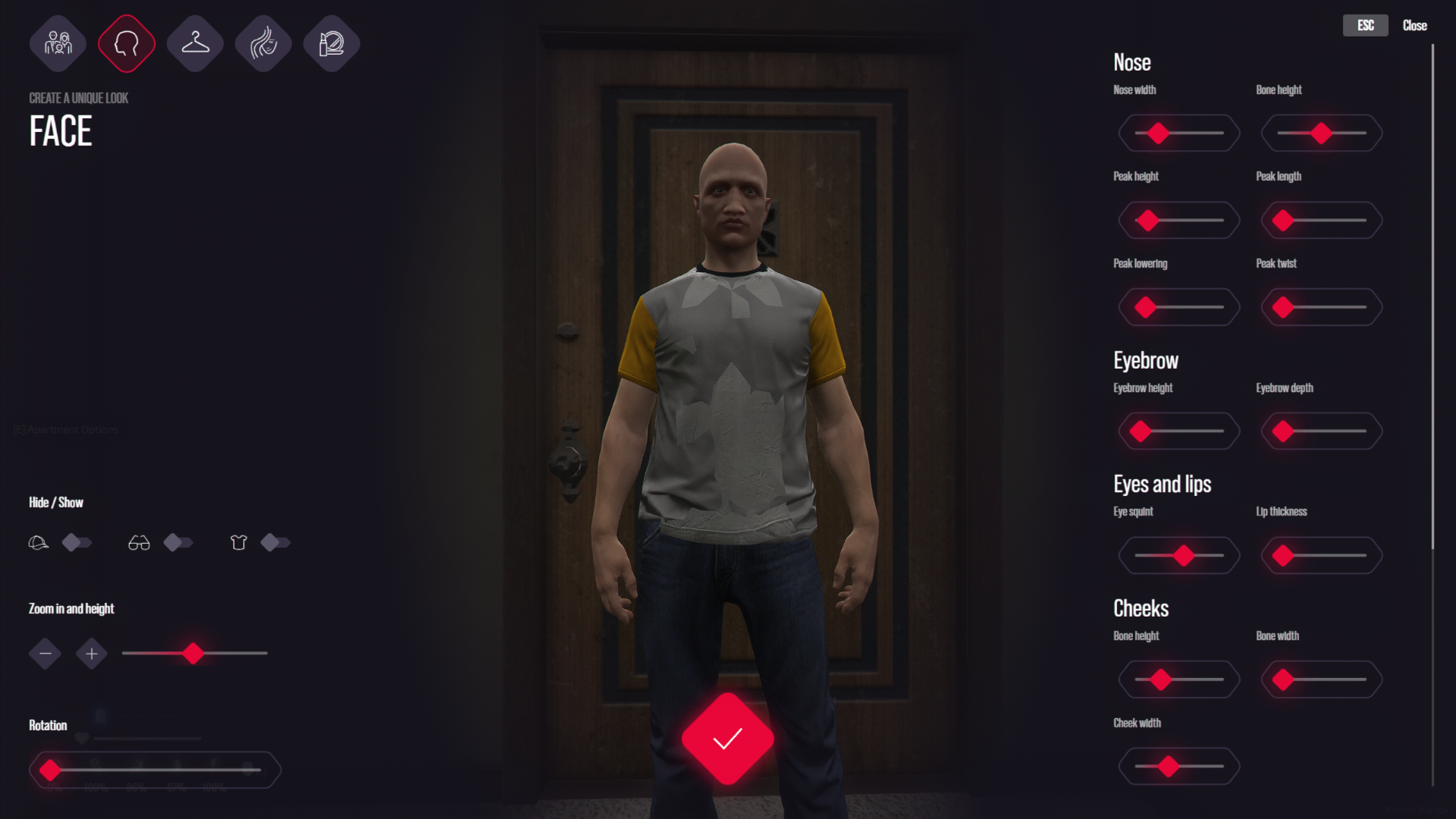
One of the biggest parts of this release is the new face feature tuning.
You can now fine tune face features with far more precision, giving players much more control over how their character looks.
Instead of basic, limited adjustments, players can properly shape and tweak their character’s face in detail, allowing for far more unique characters across your server.
Better Character Viewing
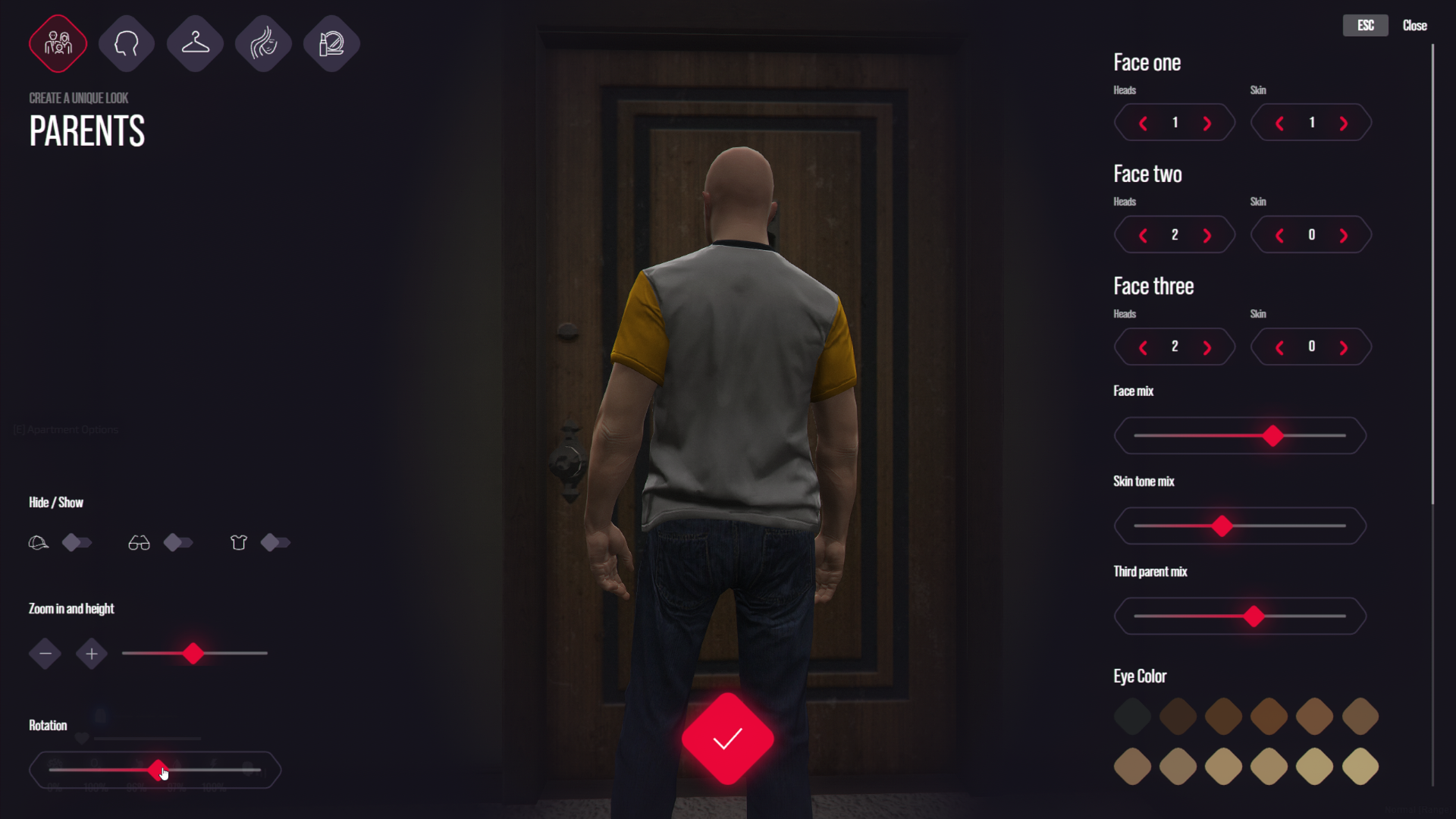
We have also added better ways to view your character while editing.
You can easily rotate your character and adjust viewing angles, making it much easier to see exactly what you are changing.
This is especially useful when editing:
- Clothing
- Hair
- Face features
- Accessories
- Full outfits
No more guessing what something looks like from one fixed angle. You can actually move around and properly check the details.
Why This Matters
A clothing menu is one of the most used systems on any serious RP server.
Players interact with it when creating characters, changing outfits, adjusting their appearance, and building their identity on the server.
Because of that, we wanted this to feel like a proper upgrade, not just another basic clothing resource.
This release gives QBCore All-In-One a much stronger, more modern clothing experience and continues our push to rebuild and improve the core systems inside the package.
Available Now
The new Custom Clothing Menu is available now for QBCore All-In-One+ members.
This is another step in improving the full QBCore All-In-One experience and giving members better scripts, cleaner systems, and more polished server features over time.



