How to Upload Large Mods Using SFTP (No Upload Limit)
How to Upload Large Mods via SFTP
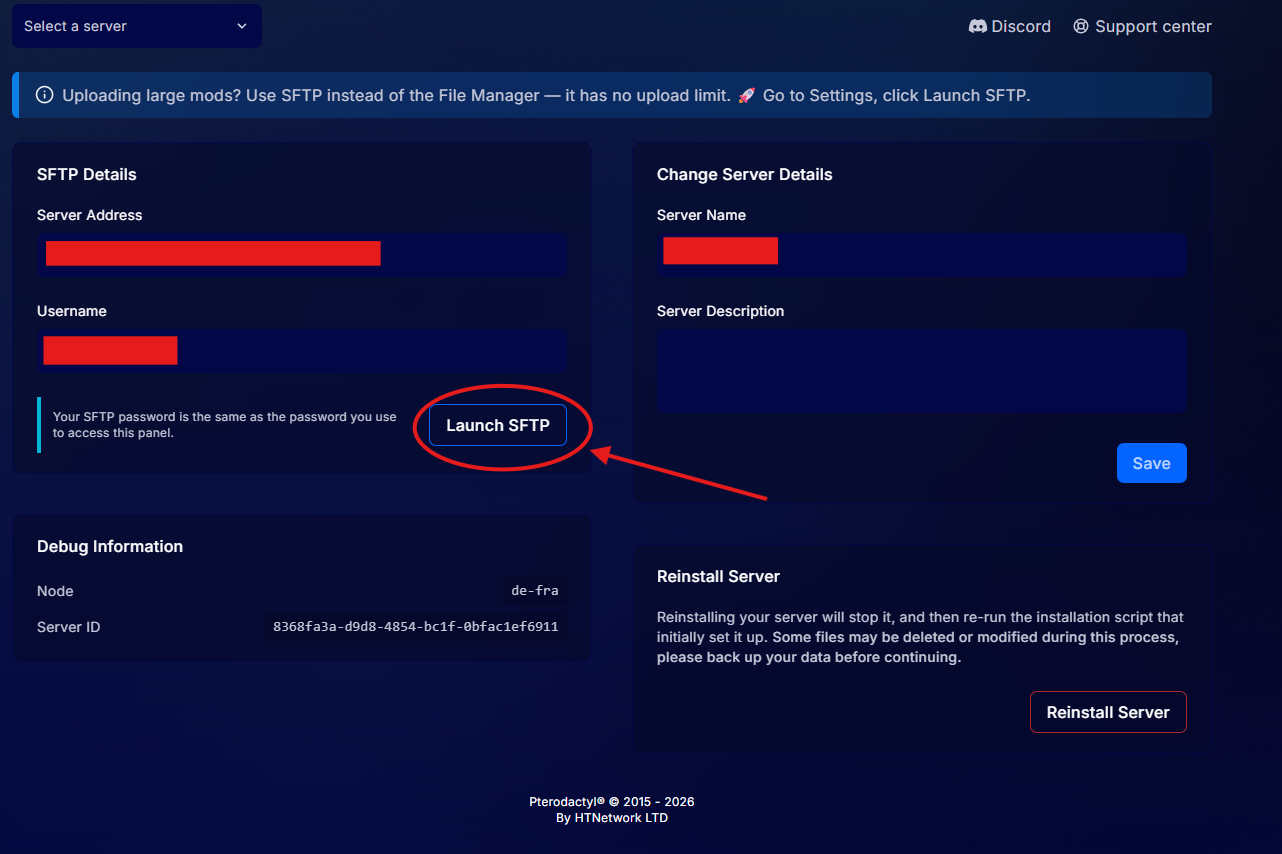
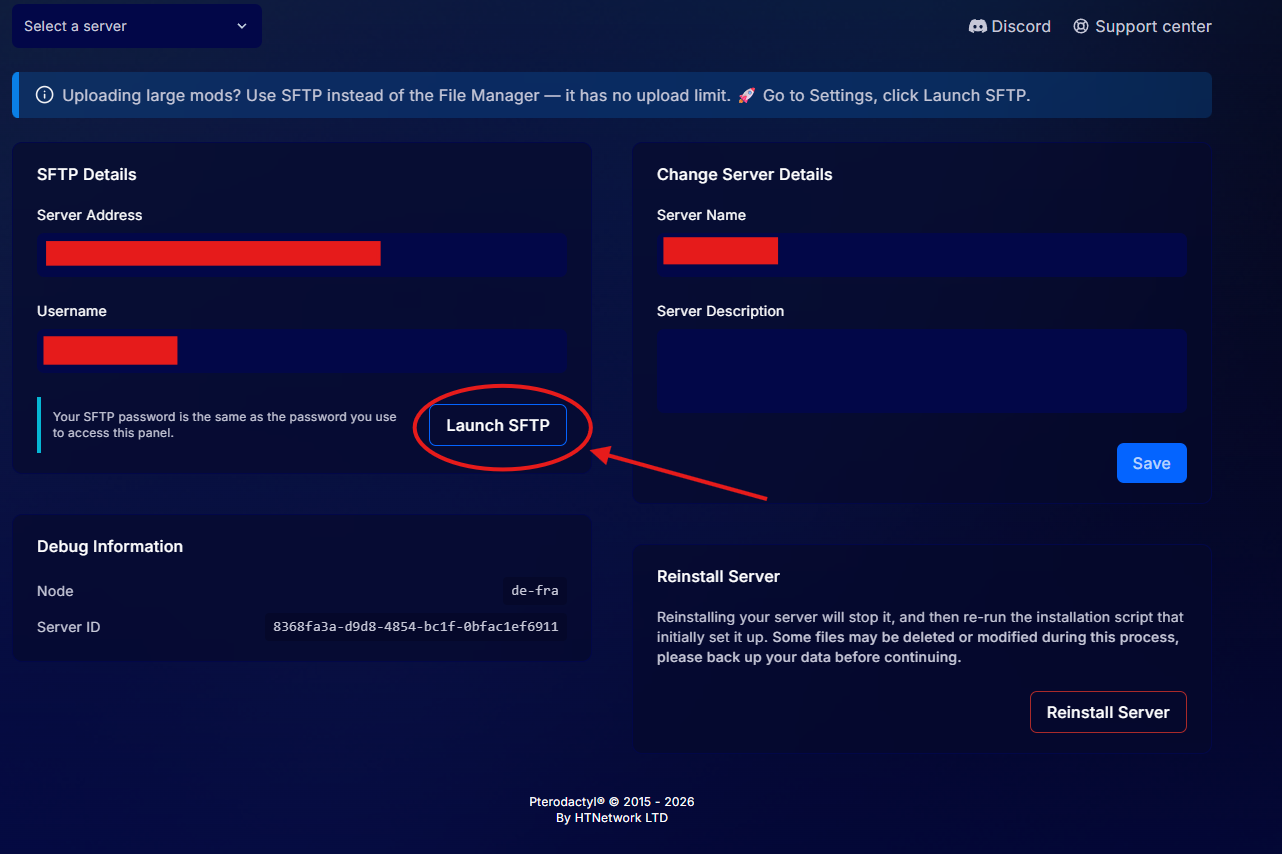
Log in to your BeamMP server on the panel, go to the Settings tab, and click Launch SFTP. This will open your SFTP client using the same login details as your panel account.
To use the Launch SFTP button, you must have WinSCP installed on your PC. If you don’t have it installed, download it here:
https://winscp.net/eng/download.php
Once connected, you can upload files with no size limit. 🚀