How to Make a Euro Truck Simulator 2 Dedicated Server (ETS2)
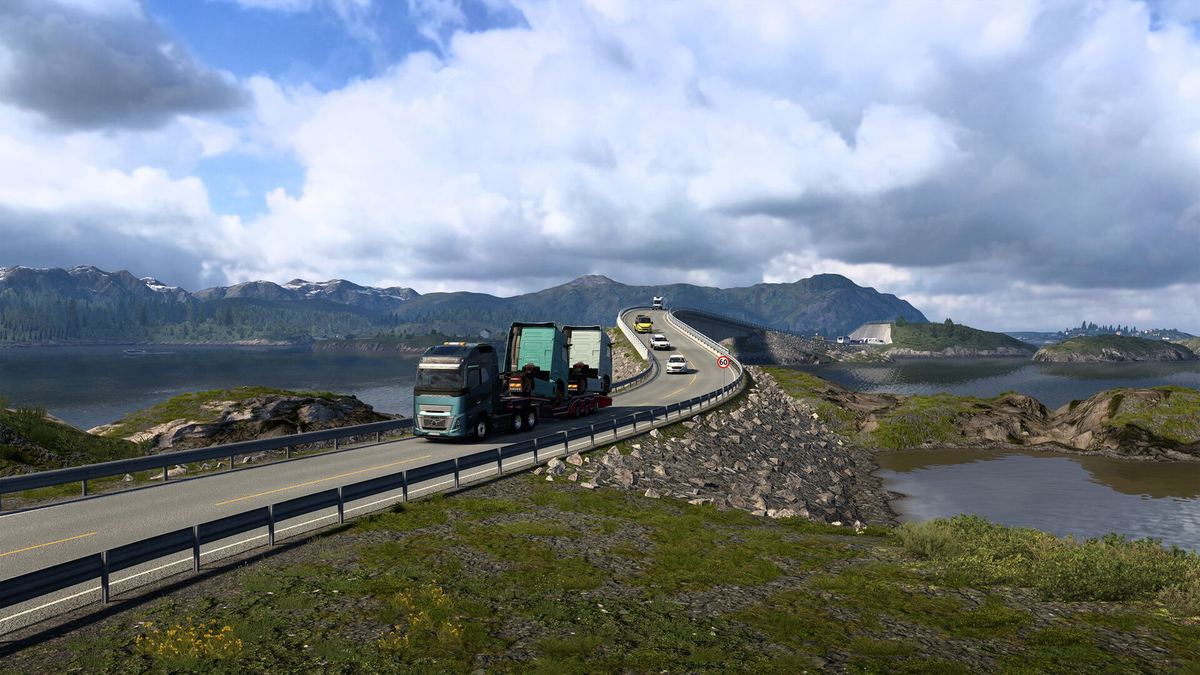

Running a Euro Truck Simulator 2 dedicated server is the best way to play convoys with friends without lag, disconnects, or relying on one person to host.
While it is possible to manually install and configure an ETS2 server yourself, the fastest and most reliable option is using pre-configured ETS2 server hosting — no command line, no port headaches, and no setup pain.
This guide explains how to get an ETS2 dedicated server online in minutes, plus includes a full video walkthrough.
🎥 Video guide:
What Is an ETS2 Dedicated Server?
A dedicated server runs independently from the game client and is designed for stable multiplayer convoys in Euro Truck Simulator 2.
Dedicated servers are ideal if you want:
- 24/7 uptime
- Larger convoys
- No host lag
- Full server control
- Private or community play
The Easy Way: Create an ETS2 Server in Minutes
Instead of manually installing SteamCMD, opening ports, and editing config files, you can have a fully working ETS2 dedicated server ready almost instantly.
Step 1: Buy ETS2 Server Hosting
Get your server here:
👉 https://htnetwork.one/game-hosting/ets2
Your server comes with:
- ETS2 dedicated server pre-installed
- Automatic configuration
- DDoS protection
- Full control panel access
- No port forwarding required
Step 2: Start the Server
Once your order is active:
- Log into the control panel
- Click Start
- The server will automatically boot and appear in the ETS2 server list
No manual setup needed.
Step 3: Configure Your Server (Optional)
You can easily change:
- Server name
- Password (private convoys)
- Max players
- Time scale
- Traffic & economy settings
All settings are handled through the panel — no file editing required.
Step 4: Join and Invite Friends
To connect:
- Launch Euro Truck Simulator 2
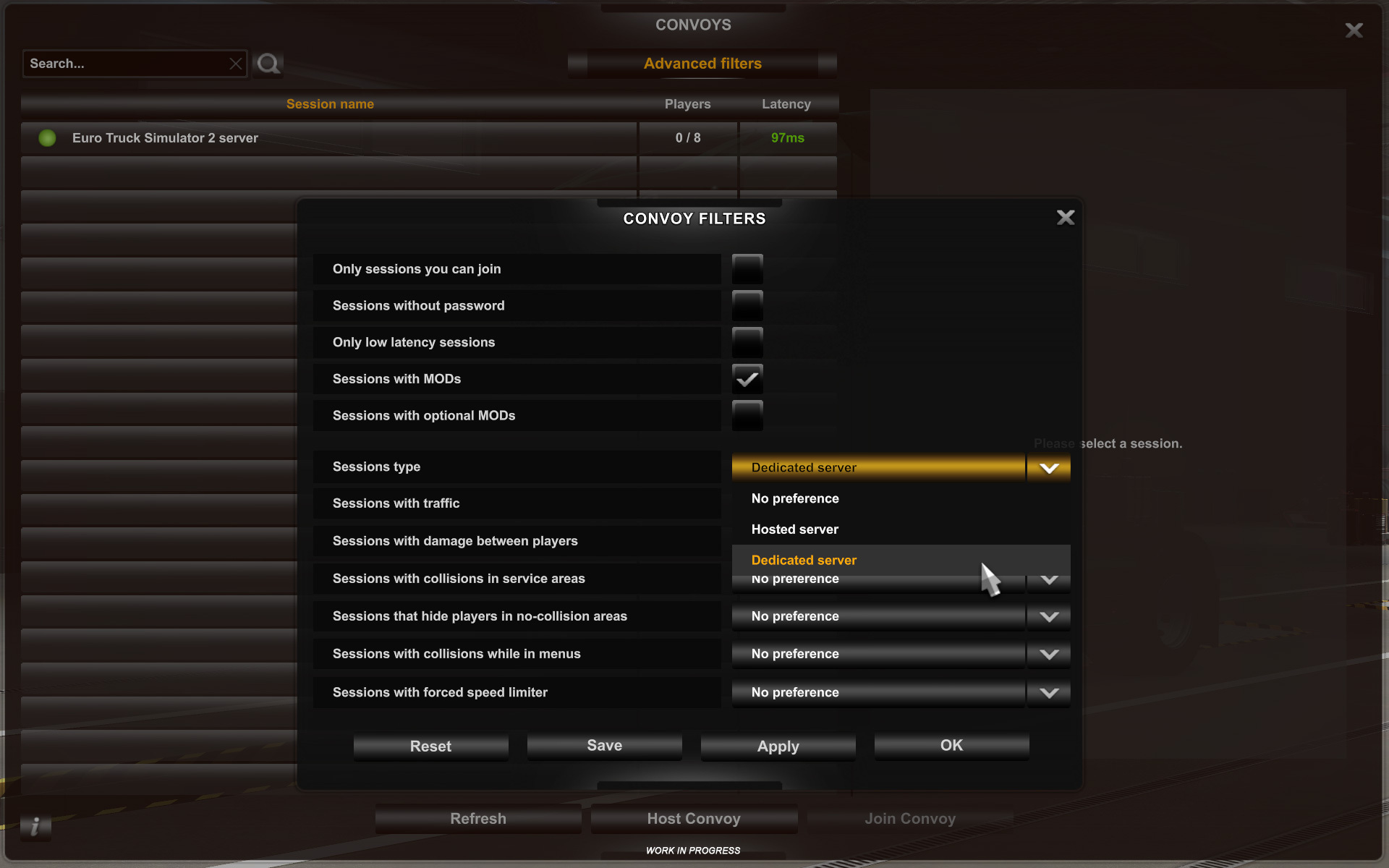
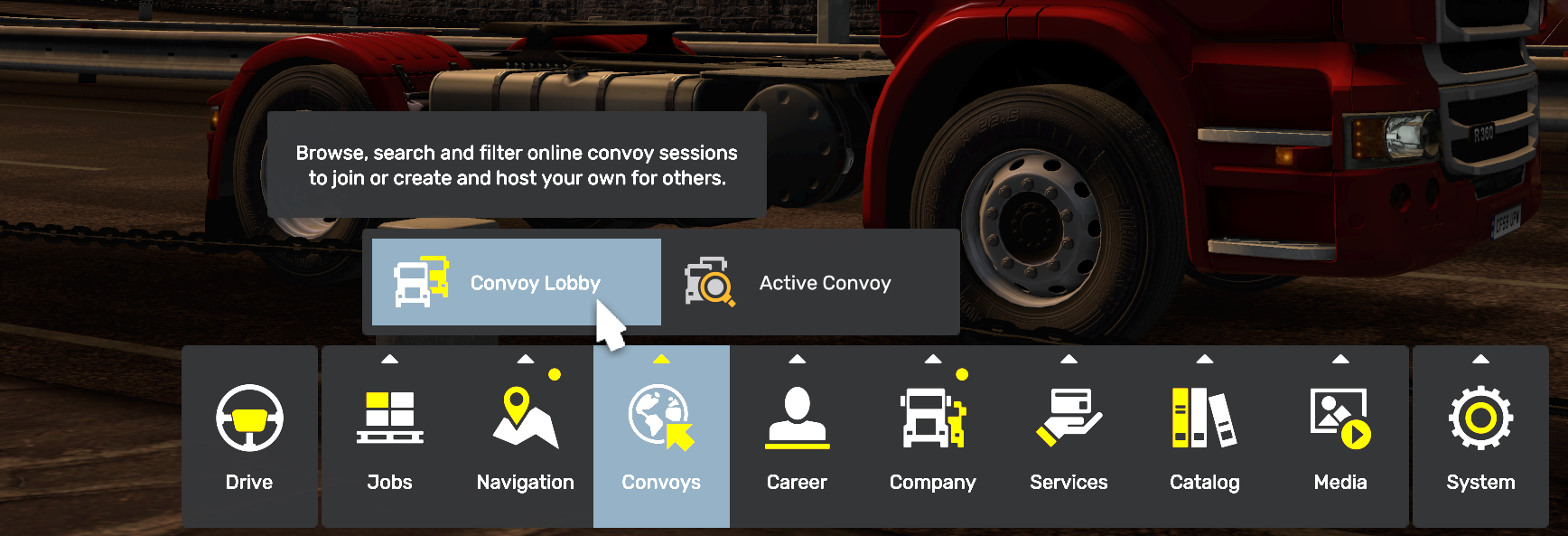
- Open Multiplayer
- Find your server by name
- Join and start trucking 🚛
Friends just need the same:
- Game version
- DLCs
- Mods (if enabled)
Why Hosting Beats Self-Hosting
| Feature | Hosted ETS2 Server | Self-Hosted |
|---|---|---|
| Setup Time | Minutes | Hours |
| Port Forwarding | ❌ | ✅ |
| 24/7 Uptime | ✅ | ❌ |
| Stability | ✅ | ⚠️ |
| Support | ✅ | ❌ |
For most players, hosting is simply faster, easier, and more reliable.
Video Tutorial: Full Dedicated Server Walkthrough
This video shows the entire process, from server creation to joining in-game:
🎥 https://youtu.be/7Aen_h7p31s
Final Thoughts
If you want a no-stress ETS2 dedicated server for convoys with friends, hosting is the smartest route.
You skip the technical mess and go straight to what matters — driving together.
👉 Get your ETS2 server here:
https://htnetwork.one/game-hosting/ets2